Case study. React / Express / GenAI.
ReflectAI
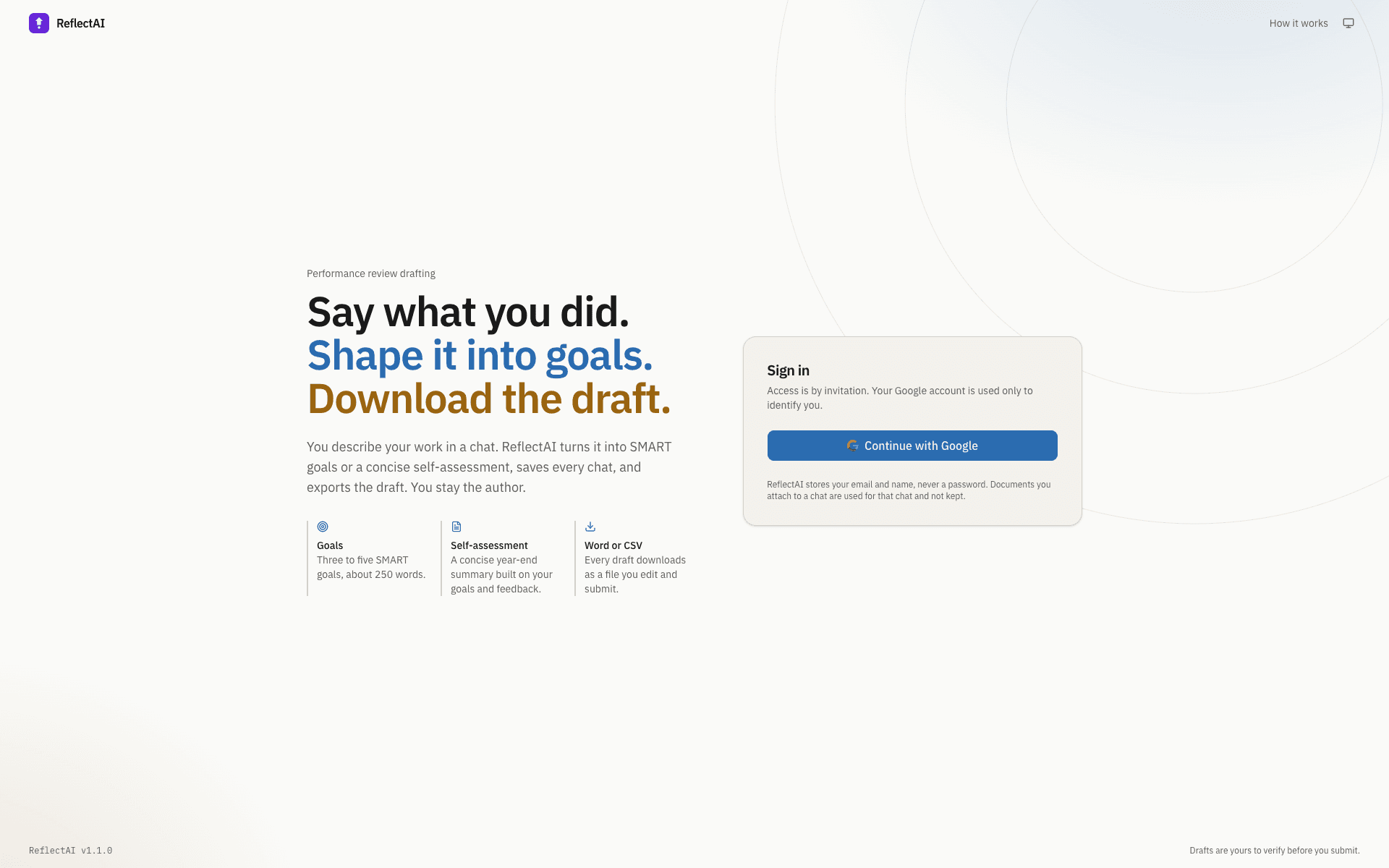
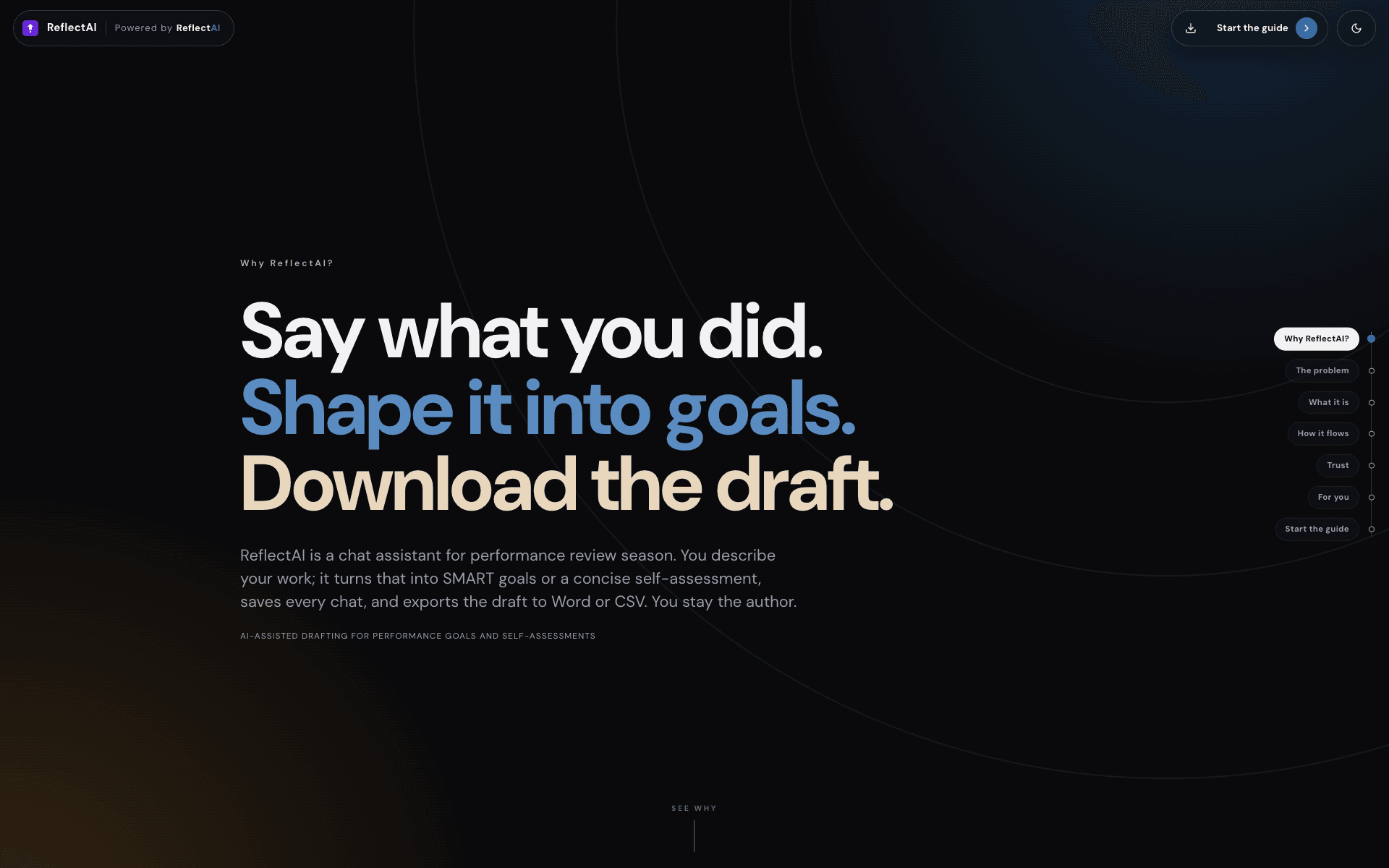
Drafts performance goals and self-assessments with you, then exports Word or CSV
Private deployment — walkthrough on request
- Role
- Solo: product, React client, Express API, sign-in, prompts, tests, deployment
- Status
- Livev1.1.0October 2026invitation-only
- Context
- 2026, personal
- Pluggable LLM providers
- 20
- Word budgets (goals / assessment)
- 250 / 400
- Export formats
- DOCX · CSV
- Passwords stored
- 0
The problem
Review season hands everyone the same blank page. People paste notes into a general chatbot and lose them, with no record of what the model actually saw, or they write 800 words where 250 were asked for. ReflectAI keeps the drafting inside a tool that knows the format, the word budget and your profile, saves every chat, and says exactly what produced each reply.
How it is kept honest
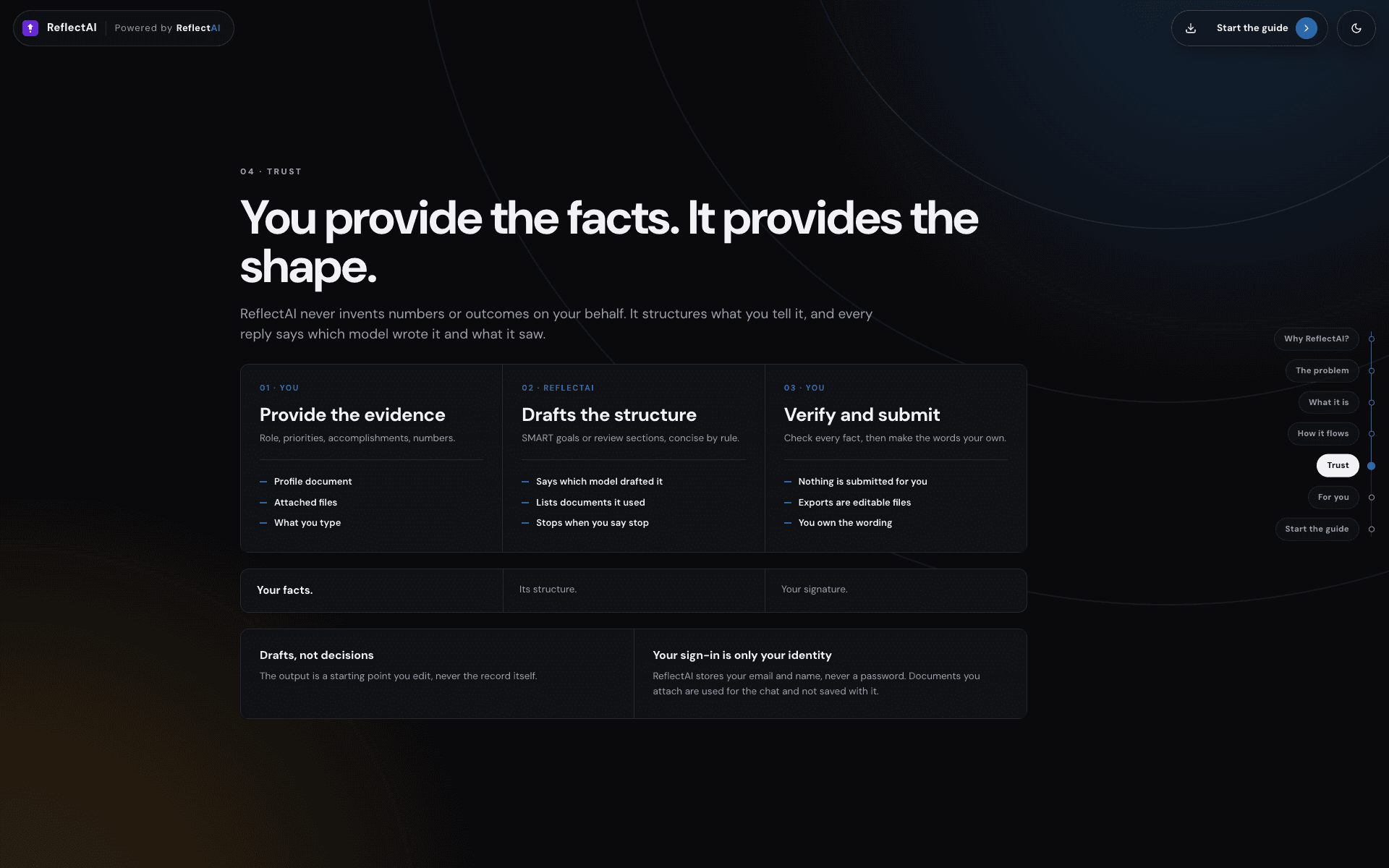
The model only sees what you give it: a profile document and the files attached to the chat (PDF, DOCX or TXT). Every reply carries a trust line naming the model that drafted it and the number of documents it used, so a draft that ignored your goals document is visible at a glance.
- Guardrails
- Access by invitation only: Google sign-in and an allowlist; admins add, promote and remove users from the app, and unknown accounts land on a pending page
- Word budgets written into the prompts and shown against the draft (about 250 words for goals, 400 for the self-assessment)
- Drafts download as files you edit and submit; the footer says they are yours to verify
- Where it can still be wrong
- A general model can still invent an achievement you did not describe. The trust line and the word count make a thin or padded draft easy to spot, but reading it is still on you.
Reliability and scale
- Streaming over server-sent events with heartbeats; the server stops calling the model when the browser disconnects, and both sides parse the final partial line
- Autosave keeps the live message list in a ref, so a stopped reply or a chat switch cannot write one chat's messages under another chat's id
- Expired sessions return you to sign-in with the page remembered; removed or demoted users lose access on their next request, not when the cookie expires
- Old chats are pruned to 25 per mode; corrupt session files are skipped instead of failing the list
What it does
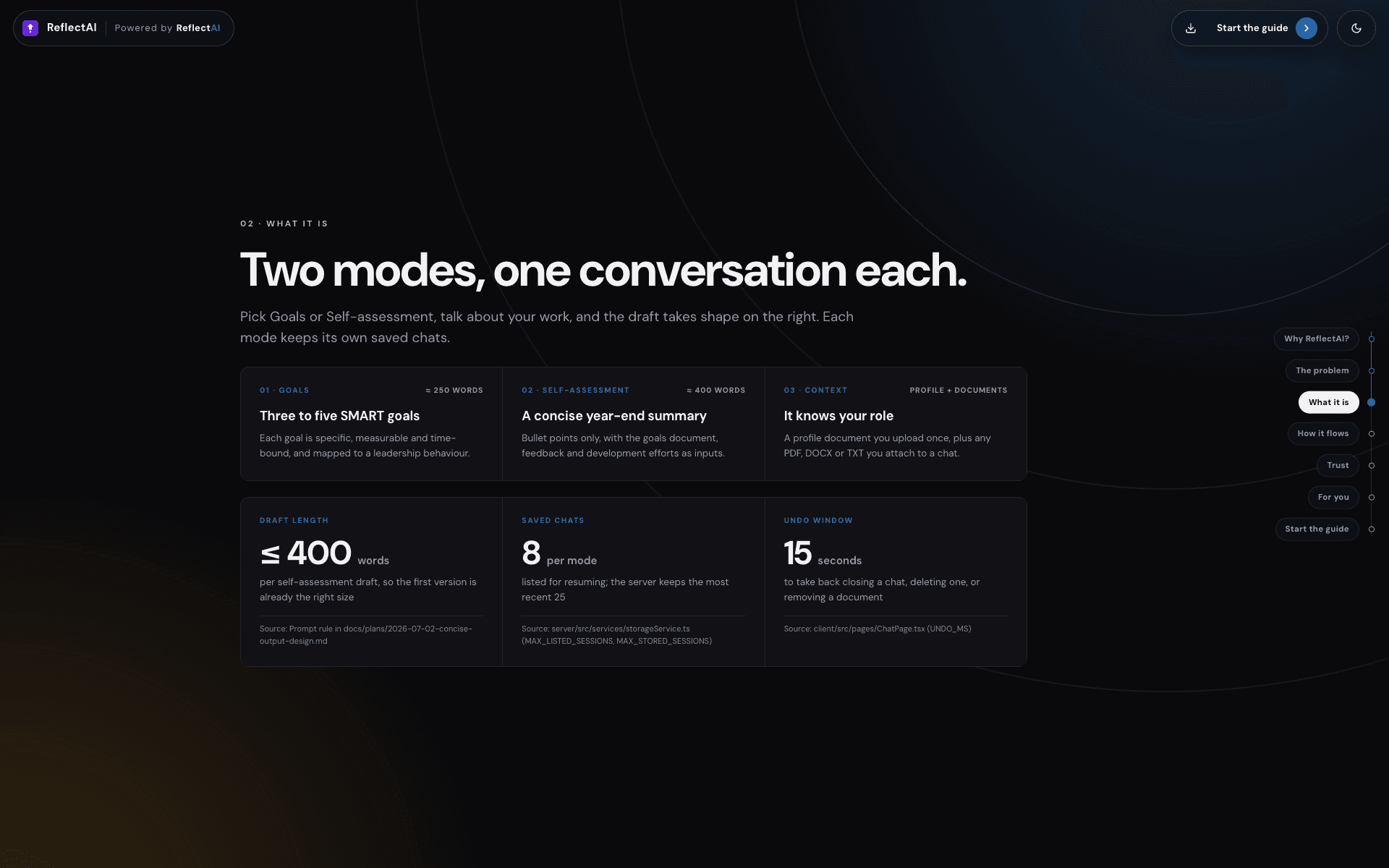
Two modes, one conversation each. Goals produces three to five SMART goals mapped to leadership behaviours in about 250 words; Self-assessment produces a concise year-end summary in bullet points, about 400 words, written against your goals document and the feedback you attach. The start screen shows each mode's state (in progress with its title and edit date, or not started) with Resume and Start new, so nobody has to remember where they left off.
- A profile document per user (a résumé or role description) is the one piece of context every draft uses
- Attach PDF, DOCX or TXT files to a chat, or drop them on the conversation
- The draft panel shows the latest reply as a sheet with a word count against the budget; downloads are named by mode and date
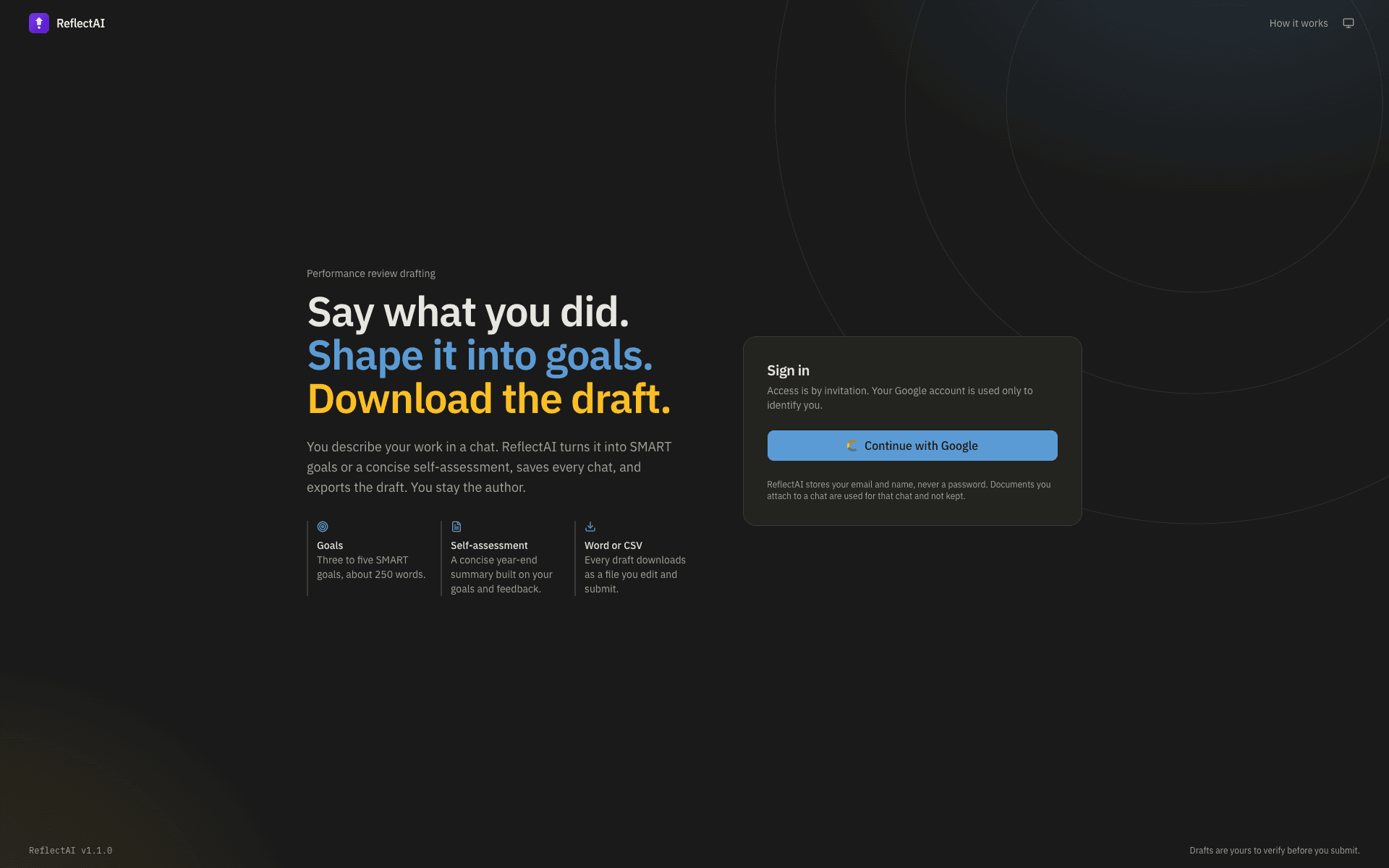
- Light, dark and system themes; self-hosted IBM Plex fonts, no font CDN
v1.1.0: sign-in, honesty and undo
The October 2026 release moved sign-in to Google with an access list, so there are no passwords to store or reset, and gave admins a page to add, promote, remove and restore users. Every reply now says which model drafted it and how many documents it saw; Stop keeps what was written and marks the reply Stopped; the waiting indicator shows elapsed time, never a countdown. Closing a chat, deleting one, removing a document and removing a user all offer Undo instead of a confirm dialog, so the quick path is also the safe one.
The same release fixed what mattered most: in local mode a session id was used in a file path without validation, so one user could have read or overwritten another user's chats; ids are now validated and paths confined. Request bodies are validated and capped, CSV cells that could run as spreadsheet formulas are prefixed, the session cookie is Secure and SameSite, and the server refuses to start in production with the default secret.
Pluggable models, honest states
Up to 20 OpenAI-compatible providers (Databricks model serving, OpenAI, Ollama, proxies) appear in the model picker, which shows the provider name and remembers your choice; with none configured the app runs in a visible demo mode with canned replies rather than failing silently. Loading, empty, error and 'could not reach the server' each say what happened and what to do, copy is in sentence case, and buttons say what they do.
- Accessibility: skip link, labelled icon buttons, a live region for finished replies, 44 px touch targets on phones, reduced-motion support
- System prompts no longer hard-code a fiscal year; unknown model ids are rejected instead of silently using the first one
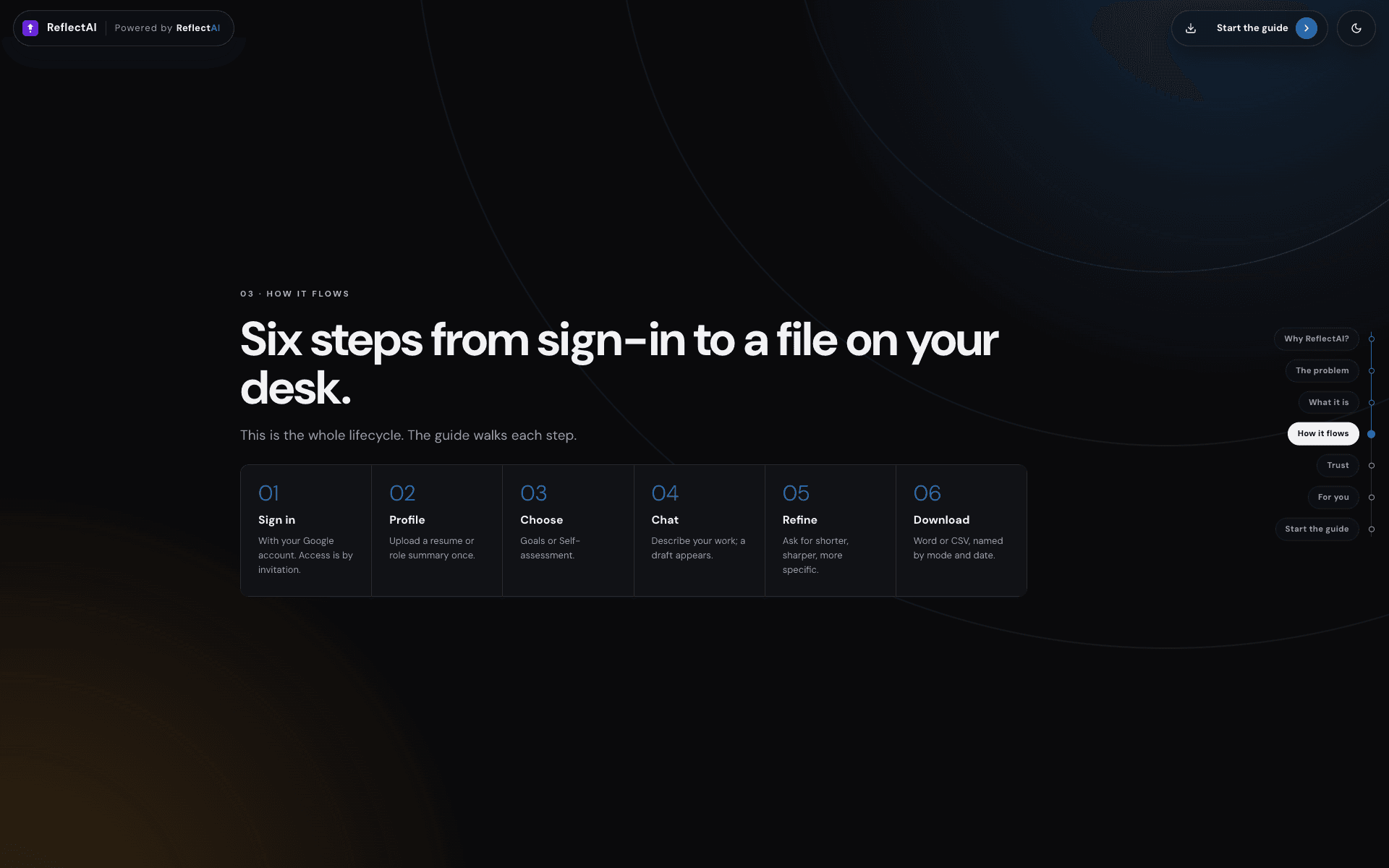
- An onboarding site explains the two modes and the six steps from sign-in to a file on your desk
Tests and operations
Vitest covers the client's SSE parser and chat hook; the server's validation, CSV export, sign-in decisions and admin rules run under node --test. A health endpoint reports version, storage, provider count, demo mode and auth mode. One Node service builds and serves both the client and the API, with a Render blueprint and a Dockerfile for the deployment.
Stack
- React 19 + Vite
- TypeScript
- Express 4
- Google sign-in (OIDC)
- SSE streaming
- 20 OpenAI-compatible providers
- docx
- S3 or local files